How to Convert Photo to PDF Online: Complete Step-by-Step Guide for 2025
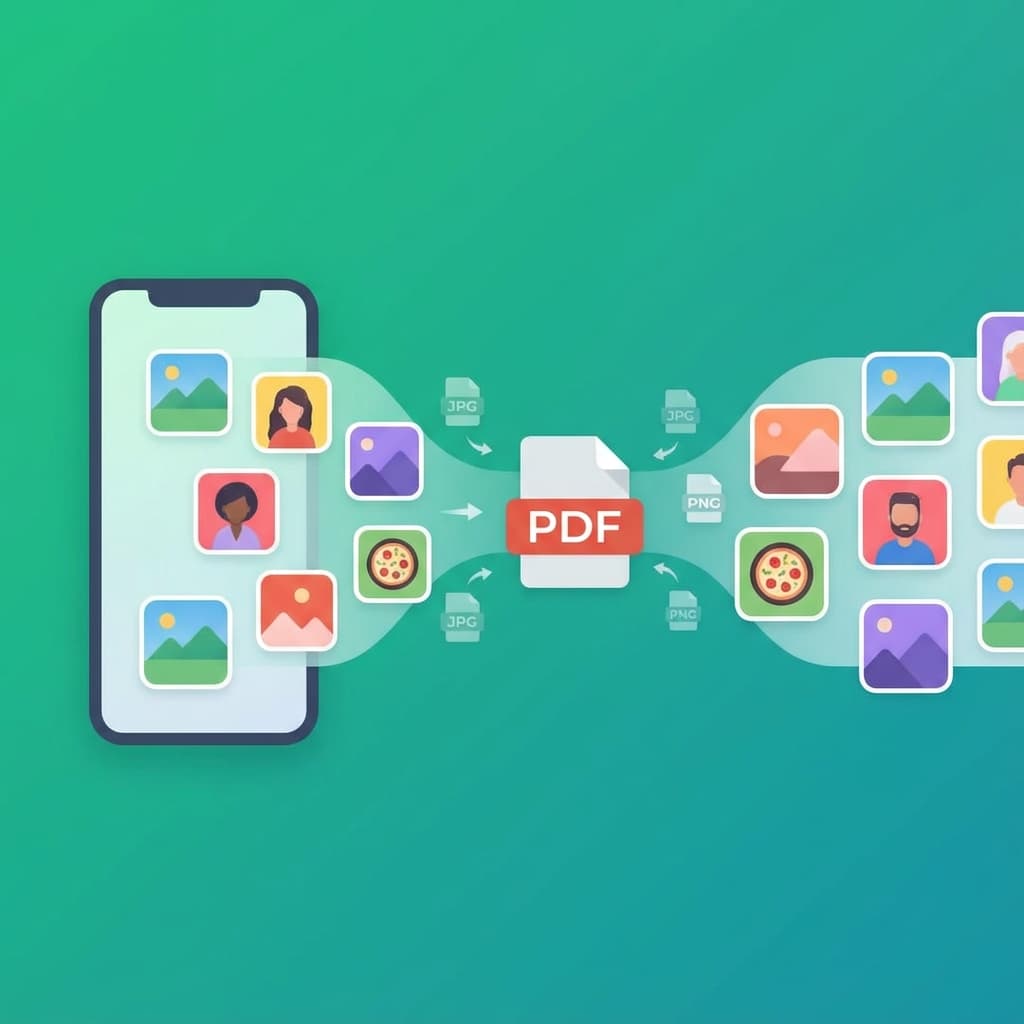
Need to convert your photos to PDF format? Whether you're submitting documents for a job application, creating a portfolio, or archiving memories, this comprehensive guide will show you exactly how to convert any image to PDF in seconds—completely free and without compromising your privacy.
Why Convert Photos to PDF?
In today's digital world, PDF (Portable Document Format) has become the universal standard for sharing documents. Converting your photos to PDF offers several compelling advantages that make it the preferred choice for millions of users in India and worldwide.
Key Benefits of Photo to PDF Conversion
- Universal Compatibility: PDF files can be opened on any device—Windows, Mac, Android, iPhone, or Linux—without any special software. Every modern browser can display PDFs natively.
- Document Integrity: Unlike image files that can be easily edited, PDFs preserve the exact layout, formatting, and quality of your photos. This is crucial for official documents, legal submissions, and professional portfolios.
- Smaller File Sizes: PDFs use efficient compression algorithms that can significantly reduce file size while maintaining visual quality, making them ideal for email attachments and online submissions.
- Government Requirements: In India, most government portals (UPSC, SSC, Railway, Banking exams) specifically require documents in PDF format. Aadhaar card uploads, passport applications, and visa submissions all require PDF files.
- Professional Presentations: Creating portfolios, project reports, or presentations with multiple images becomes seamless with PDF format. You can combine dozens of photos into a single, organized document.
3 Methods to Convert Photos to PDF
Method 1: Online Converters (Recommended)
Online converters like Photo to PDF are the fastest and most convenient option. They require no software installation, work on any device, and many (including Photo to PDF) process files entirely in your browser for maximum privacy.
✅ Best for: Quick conversions, mobile users, privacy-conscious users, batch processing
Method 2: Desktop Software
Applications like Adobe Acrobat, Microsoft Print to PDF, or Preview on Mac offer photo to PDF conversion. While powerful, these require installation and often come with subscription costs.
⚠️ Best for: Frequent users with premium software subscriptions, offline environments
Method 3: Mobile Apps
Dedicated apps from the App Store or Play Store can convert photos to PDF. However, many are filled with ads, have limited free features, or upload your photos to external servers.
⚠️ Best for: Users who prefer native apps and don't mind ads or in-app purchases
Step-by-Step Guide Using Photo to PDF
Follow these simple steps to convert your photos to PDF in under 30 seconds:
Open Photo to PDF
Visit Photo to PDF in any web browser. No registration or sign-up is required. The tool works on Chrome, Safari, Firefox, Edge, and all modern browsers.
Upload Your Photos
Click the upload area or drag and drop your images. You can select multiple photos at once by holding Ctrl (Windows) or Cmd (Mac) while clicking. All common formats are supported: JPG, PNG, WebP, and more.
Arrange and Customize
Reorder your photos by dragging them. Adjust settings like quality (Low/Medium/High), page size (A4 for India, Letter for US), and orientation (Portrait/Landscape). For government submissions, Medium quality with A4 size works best.
Generate and Download
Click the "Generate PDF" button. Your PDF is created instantly in your browser—your photos never leave your device. The download starts automatically once processing is complete.
Pro Tips for Best Results
🎯 For Government Forms
Use Medium quality and A4 page size. Keep file size under 2MB for most portals. Compress if needed using the compress-pdf tool.
📸 For Photo Albums
Use High or Original quality to preserve details. Consider landscape orientation for horizontal photos.
📱 For WhatsApp Images
WhatsApp compresses images. Use High quality setting to maximize output quality from already-compressed sources.
🪪 For ID Documents
Use our dedicated tools for passport photos and Aadhaar cards with optimized presets.
Supported Image Formats
Photo to PDF supports virtually all common image formats:
| Format | Common Use | Support |
|---|---|---|
| JPG/JPEG | Camera photos, web images | ✅ Full |
| PNG | Screenshots, graphics | ✅ Full |
| WebP | Modern web format | ✅ Full |
| GIF | Simple graphics | ✅ Full |
| BMP | Windows bitmap | ✅ Full |
Frequently Asked Questions
Is it safe to convert photos to PDF online?
Yes, when using browser-based converters like Photo to PDF, your files are processed locally in your browser and never uploaded to any server, ensuring 100% privacy and security. This is the safest method available.
Can I convert multiple photos to one PDF?
Absolutely! You can upload multiple photos and combine them into a single PDF document. Photo to PDF allows you to reorder the images, adjust quality settings, and batch convert up to 100+ images at once.
What image formats can be converted to PDF?
Most online converters support JPG, JPEG, PNG, WebP, GIF, and BMP. These formats cover 99% of common image types you'll encounter from cameras, phones, and the web.
Does the converter work on mobile phones?
Yes! Photo to PDF is fully optimized for mobile devices. It works on Android and iOS through any modern mobile browser. No app installation required—just visit the website and start converting.
Is there a file size limit?
Photo to PDF has no strict file size limits since processing happens in your browser. However, very large files may take longer to process depending on your device's capabilities. For best performance, we recommend images under 50MB each.
Conclusion
Converting photos to PDF has never been easier. With browser-based tools like Photo to PDF, you can transform any image into a professional PDF document in seconds—completely free, without registration, and with guaranteed privacy since your files never leave your device.
Whether you need to submit documents for a government application, create a portfolio, or simply organize your photos, PDF format offers the perfect balance of compatibility, quality, and convenience. Start converting now and experience the simplest photo to PDF solution available.